Observing Supabase Auth State Changes

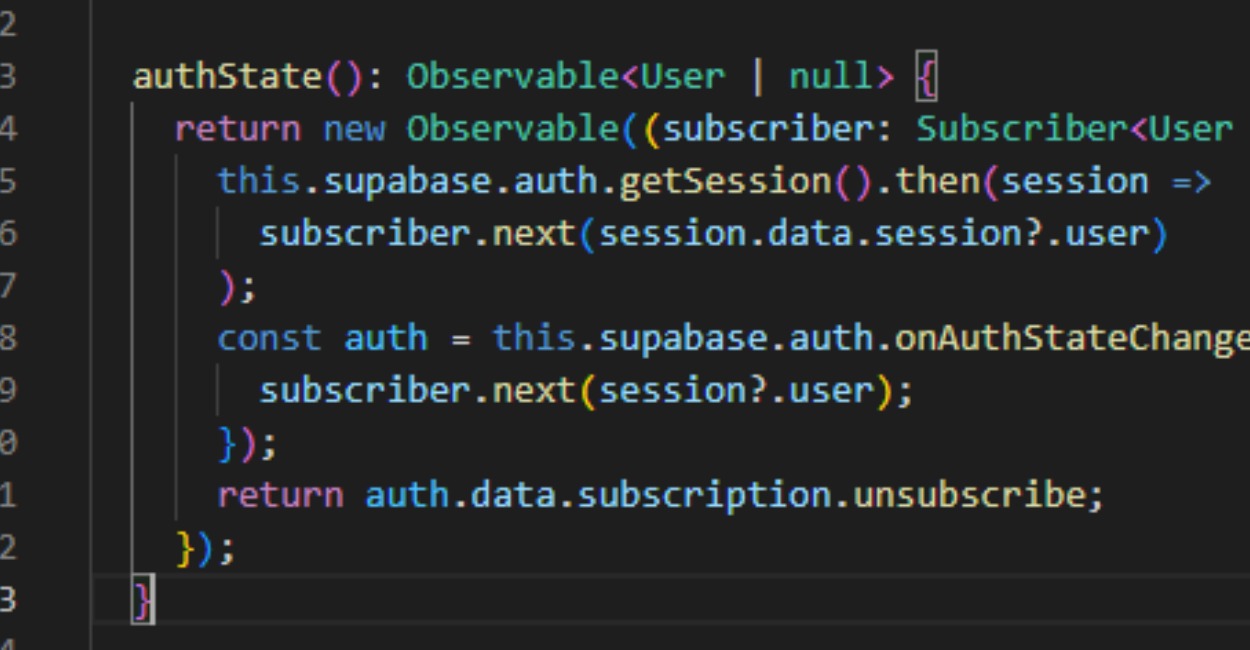
We need to subscribe to the auth state of Supabase at all times, but each framework has their own approach to this. Here is a compilation. We must get the current state, then subscribe to onAuthStateChange.
Note: all my tutorials use the JS SDK V2.
All of the code follows the same pattern:
- Get and save the current user state
- Subscribe to any changes, save user state on change
Angular - Observable#
This assumes you have this.supabase variable.
JavaScript
authState(): Observable<User | null> {
  return new Observable((subscriber: Subscriber<User | null>) => {
    this.supabase.auth.getSession().then(session =>
      subscriber.next(session.data.session?.user)
    );
    const auth = this.supabase.auth.onAuthStateChange(async ({ }, session) => {
      subscriber.next(session?.user);
    });
    return auth.data.subscription.unsubscribe;
  });
}
React - Hooks#
This assumes you have imported your supabase variable as well as useEffect and useState.
JavaScript
export const useAuthState = ():  User | null => {
  const [user, setUser] = useState<User | null>(null);

  supabase.auth.getSession().then(session =>
    setUser(session.data.session?.user);
  );

  useEffect(() => {
    const auth = supabase.auth.onAuthStateChange(async ({ }, session) => {
      setUser(session?.user);
    });
    return auth.data.subscription.unsubscribe;
  }, []);
  return user;
};
Svelte - Stores#
This assumes you have imported your supabase variable as well as readable.
JavaScript
export const authState = readable(null, (set: Subscriber<User | null>) => {
  supabase.auth.getSession().then(session =>
    set(session.data.session?.user);
  );
  const auth = supabase.auth.onAuthStateChange(async ({ }, session) => {
    set(session?.user);
  });
  return auth.data.subscription.unsubscribe;
};
Now if you want to setup this up to get the session information instead of directly the user information, you could easily change the code.
TODO: Vue, SolidJS, Angular Service, QWIK
Happy Supabasing,
J
Comments
Share a thought or join the conversation.
Sign In to comment or reply.